– FEATURES –
AI Parental
Monitoring Software
Smart Keyboard monitoring, real-time alerts, and a parent dashboard. Google Gemini reviews what your child types for cyberbullying, sextortion, grooming, and self-harm, and the message is saved so you can read it with the alert.

– CYBERSAFELY –
How It Works
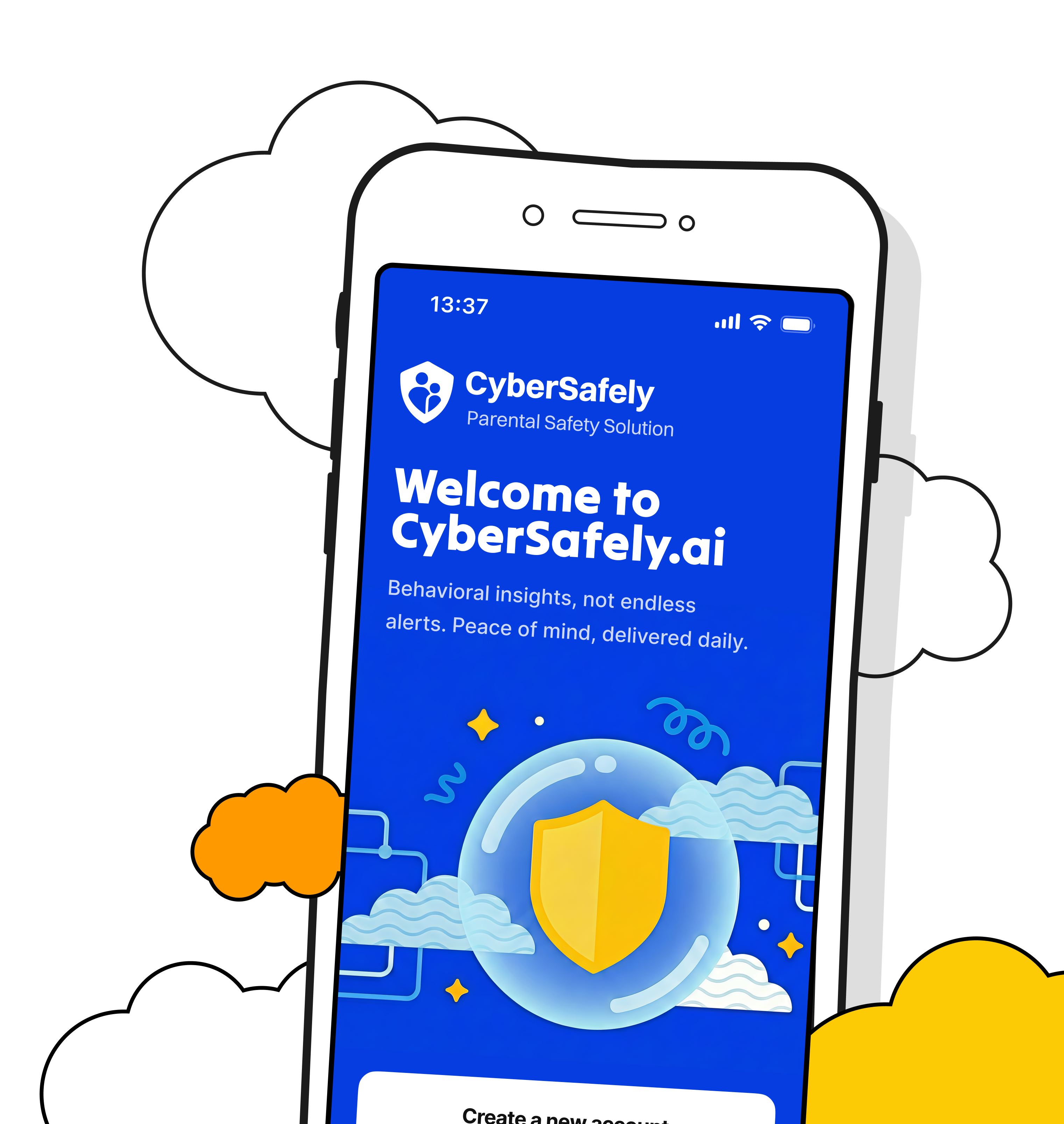
Smart Keyboard monitoring across the apps your child already uses—real-time alerts to your parent dashboard when intervention matters.

Quick Setup
Download the parent app and activate the Smart Keyboard during setup. Your child keeps using their phone normally—monitoring starts wherever they type.

AI Safety Review
Text typed on the Smart Keyboard is sent to Google Gemini for a safety rating and saved to your family account. It looks for cyberbullying, sextortion, grooming, and self-harm 24/7.

Real-Time Alerts
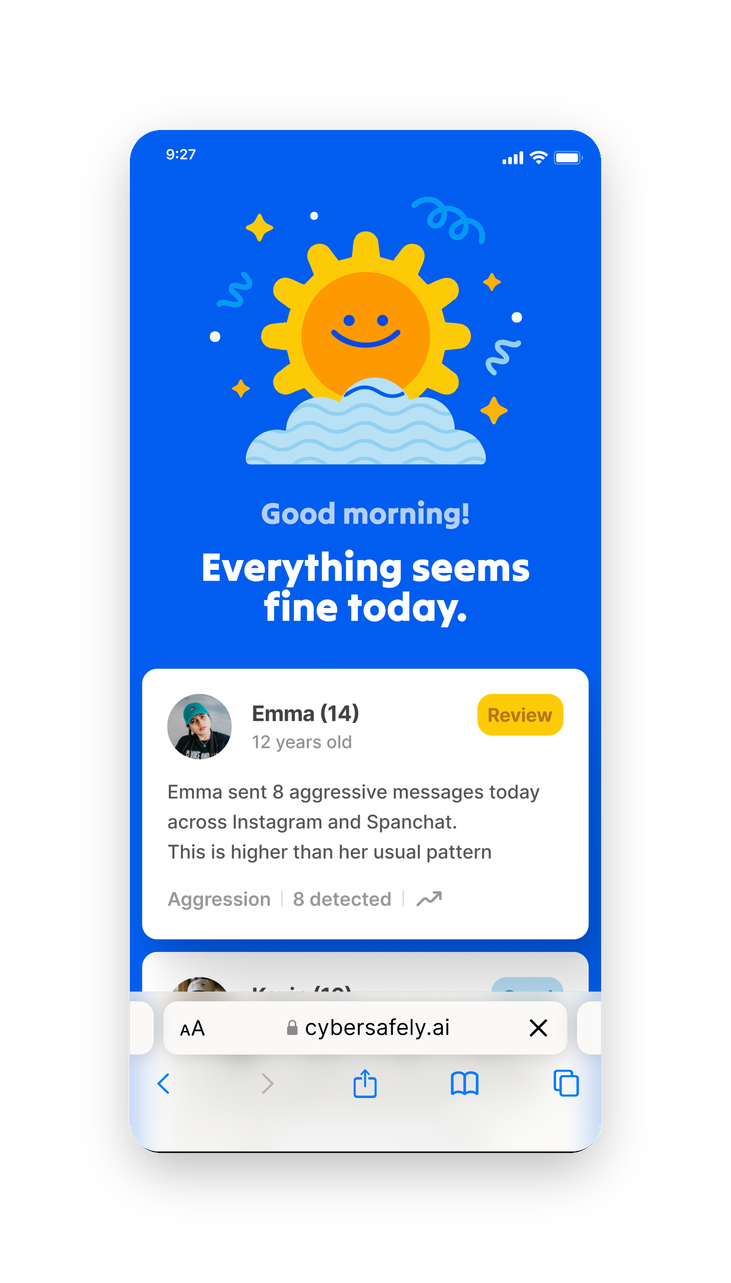
When risk is detected, real-time alerts route to your parent dashboard—color-coded by severity so you can intervene before online dangers become real harm.
– NOW LIVE –
CyberSafely's
Smart Keyboard
The Smart Keyboard captures text as your child types and sends each message to Google Gemini for a safety rating. Every captured message is saved with the analysis and any alert. Monitoring works in direct messages, group chats, and mobile browser fields on iOS and Android. Message text is blanked after 90 days, Gemini's analysis of each message is kept for 365 days, and alerts are kept for 730 days.
Smart Keyboard
Today at 5:42 PM
Sarah M
Classmate
– PHONES & TABLETS –
iPhone, iPad
and Android
CyberSafely delivers consistent AI monitoring on iPhone, iPad, and Android phones and tablets. Coverage follows your child into the apps and mobile browser text fields they type in, without a web filter and without slowing the device.
– COMPARISON –
How We Compare
See how CyberSafely.ai stacks up against competitors. For Boundrees, Helmit, Qustodio, Gaggle, and more, visit the full comparison library.
Monitors texts, emails, and 30+ social networks. Offers screen time and location management. Alerts parents about flagged issues. Limited for ephemeral apps like Snapchat.
Monitors school-managed accounts and devices via AI + human review. Focus on content within school-provided environments. Does not extend to personal devices or all social apps.
Covers 30+ platforms and texts, but does not monitor device-wide keystrokes. Separate Bark Phone provides additional coverage.
Covers Google Workspace, Microsoft 365, and school networks only — not personal devices.
Covers 30+ platforms and texts, but does not monitor device-wide keystrokes. Separate Bark Phone provides additional coverage.
Covers Google Workspace, Microsoft 365, and school networks only — not personal devices.
$14/month or $99/year (Premium). Bark Jr ~$5/month or $49/year
Custom pricing by district or student count (enterprise-level)
Parents and families (with limited free option for schools)
School districts and administrators
Requires connecting multiple accounts manually; setup can be time-consuming.
District-level integration needed with IT admin support; not family friendly.
Parents and families (with limited free option for schools)
School districts and administrators
Email and chat support; onboarding resources for parents available online
Dedicated account managers for schools; paid professional development
Broadest social platform coverage for consumer-level product
Enterprise-level monitoring with human review for school-managed systems
Key Features
CyberSafely
Bark
Monitors texts, emails, and 30+ social networks. Offers screen time and location management. Alerts parents about flagged issues. Limited for ephemeral apps like Snapchat.
Gaggle
Monitors school-managed accounts and devices via AI + human review. Focus on content within school-provided environments. Does not extend to personal devices or all social apps.
Focus
CyberSafely
Bark
Covers 30+ platforms and texts, but does not monitor device-wide keystrokes. Separate Bark Phone provides additional coverage.
Gaggle
Covers Google Workspace, Microsoft 365, and school networks only — not personal devices.
Coverage
CyberSafely
Bark
Covers 30+ platforms and texts, but does not monitor device-wide keystrokes. Separate Bark Phone provides additional coverage.
Gaggle
Covers Google Workspace, Microsoft 365, and school networks only — not personal devices.
Pricing
CyberSafely
Bark
$14/month or $99/year (Premium). Bark Jr ~$5/month or $49/year
Gaggle
Custom pricing by district or student count (enterprise-level)
Target Market
CyberSafely
Bark
Parents and families (with limited free option for schools)
Gaggle
School districts and administrators
Ease of Use / Setup
CyberSafely
Bark
Requires connecting multiple accounts manually; setup can be time-consuming.
Gaggle
District-level integration needed with IT admin support; not family friendly.
Privacy & Data Control
CyberSafely
Bark
Parents and families (with limited free option for schools)
Gaggle
School districts and administrators
Support & Onboarding
CyberSafely
Bark
Email and chat support; onboarding resources for parents available online
Gaggle
Dedicated account managers for schools; paid professional development
Unique Advantage
CyberSafely
Bark
Broadest social platform coverage for consumer-level product
Gaggle
Enterprise-level monitoring with human review for school-managed systems
– COMPREHENSIVE COVERAGE –
Students
Cannot Bypass
CyberSafely
Unlike traditional parental controls that tech-savvy kids easily circumvent, CyberSafely monitors at the keyboard—not on the network. A VPN, incognito mode, or deleting one app won't create a blind spot. The Smart Keyboard keeps sending typed text for review, and real-time alerts keep flowing to the parent dashboard even when children try common bypass tricks.
– REAL-TIME ALERTS –
Real-Time Alerts
to Your Dashboard
When Google Gemini flags risk in typed text, the alerting pipeline scores severity and sends a real-time notification to your parent dashboard. Red alerts signal critical threats like sextortion or suicide risk. Orange flags concerning behavior. Green confirms acceptable activity. This graduated system prevents alert fatigue while ensuring you never miss genuine dangers.

– CYBERSAFELY –
Privacy-First
AI Monitoring
CyberSafely is AI parental monitoring, not a hidden tracker. Text typed on the Smart Keyboard is sent to Google Gemini for a safety rating and saved to your family account. Parents can read the message, the analysis, and the alert. We do not record calls, track location, or build a browsing history.
– AI DETECTION –
AI Enhanced
Detection
and Automation
CyberSafely sends typed text to Google Gemini, which looks for emerging threats—from new sextortion tactics to evolving cyberbullying patterns. It identifies subtle manipulation, grooming behavior, and crisis language that keyword filters miss. That review runs wherever your child types, and a real-time alert reaches the parent dashboard when intervention matters.
– FREQUENTLY ASKED –
Questions
Parents Ask
Straight answers on how CyberSafely protects your child—what we monitor, what we don’t, and how your family’s privacy stays protected.
– WE WANT TO HEAR FROM YOU –
Get in Touch
Your child's safety can't wait. Connect with our team for immediate protection solutions.
We would love to hear from you! Please complete the form or reach out to us with the below information.
hello@cybersafely.aiFor information regarding funding or grants, please contact Michael Nutter.